
Demonstration Case
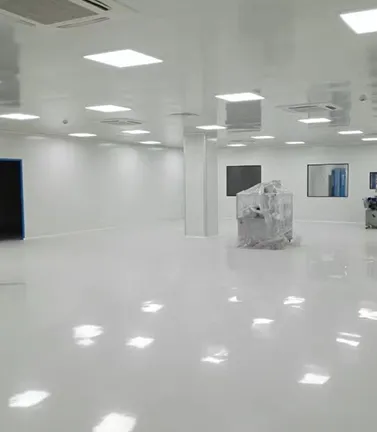
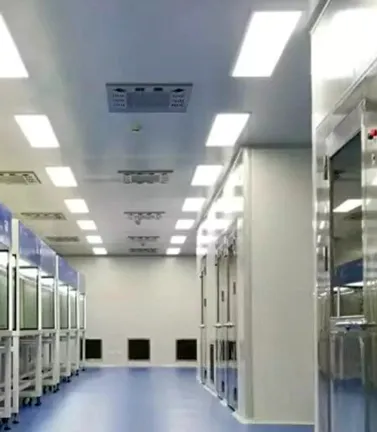
Simulation Calculation

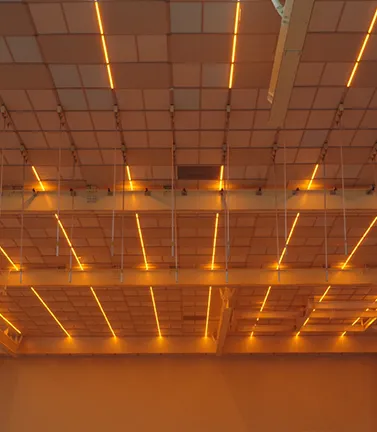
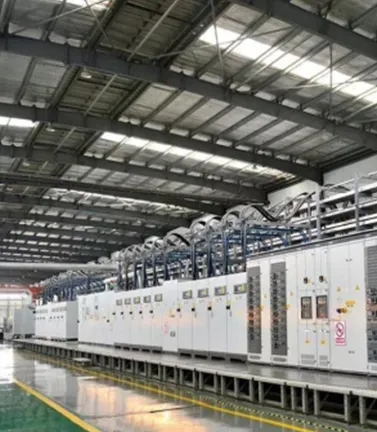
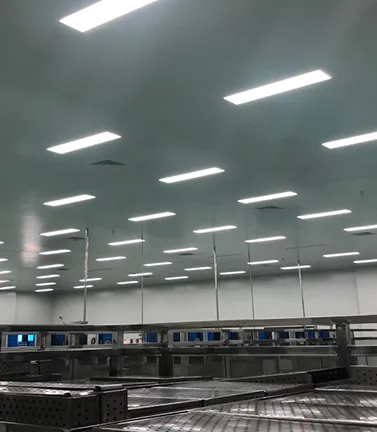
Illuminance Simulation Plan Based on Fixed Luminaire Quantity and Layout
By utilizing the room layout information provided by the user (typically a detailed floor plan with clear dimensional annotations and designated test areas, recommended in DWG format, including ceiling height, luminaire type, and layout positions), combined with the IES files of the selected luminaires, the average illuminance for each space can be simulated and calculated using DIALux software.Default parameters (surface reflectance: ceiling 0.7/wall 0.7/floor 0.3, work plane height 0.8m) are applied if specific values are not provided, ensuring alignment with industry-standard assumptions.This process provides quantitative data for evaluating the lighting performance.
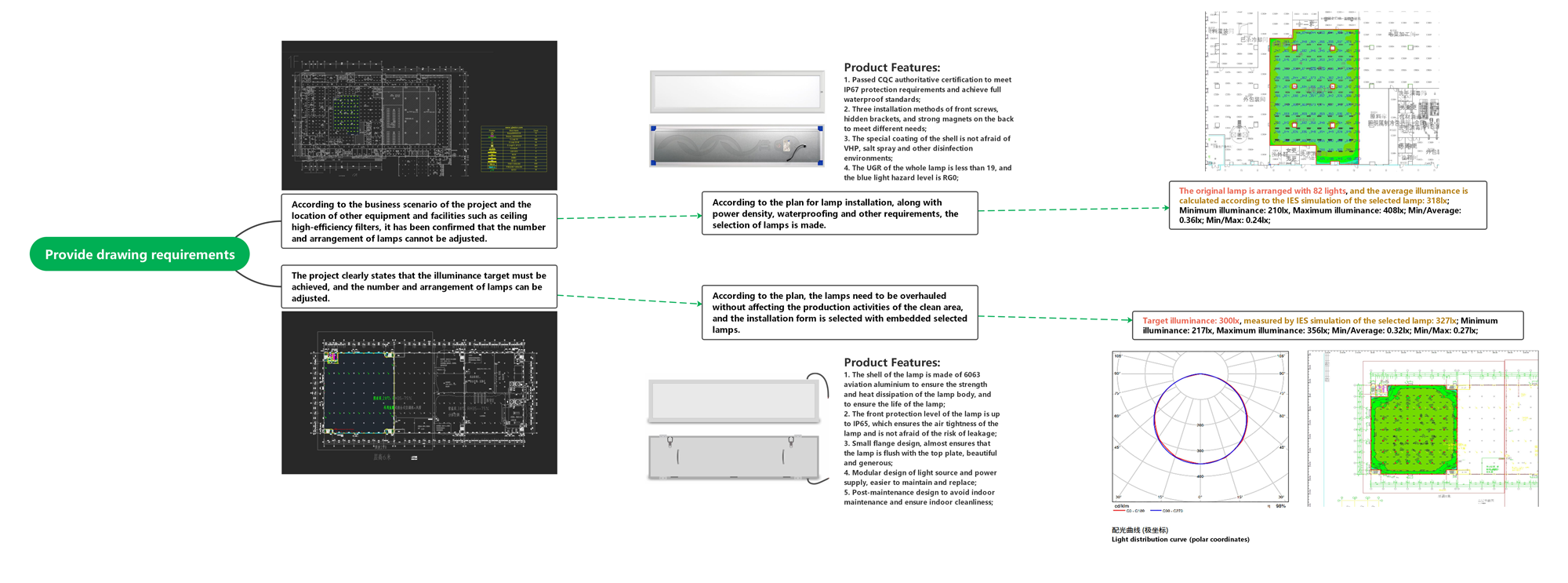

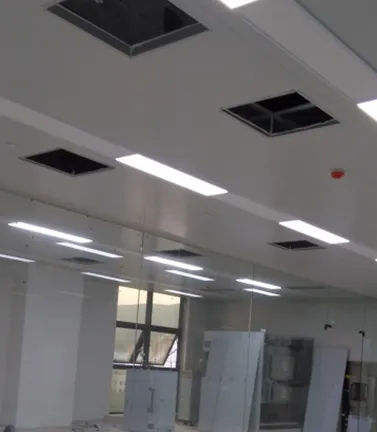
Illumination Configuration Plan Based on Target Illuminance
By leveraging the room layout information provided by the user (typically a detailed floor plan with clear dimensional annotations and designated test areas, recommended in DWG format, including ceiling height and target illuminance requirements), combined with the IES files of selected luminaires matched to the specified installation method, the required luminaire quantity for each space can be simulated and calculated using DIALUX software.Default parameters (surface reflectance: ceiling 0.7/wall 0.7/floor 0.3, work plane height 0.8m) are applied if specific values are not provided, ensuring alignment with industry standards.The layout is further optimized to avoid insufficient illuminance uniformity caused by overly dispersed luminaire placement or glare issues resulting from excessive concentration, thereby ensuring the lighting design meets both illuminance targets and optical environment quality requirements.